Know what needs attention.
Bring workstations, servers, inventory, alerts, and reported security posture into a clear overview. Inspect device health and pending updates without assembling a report by hand.
See the overview → OpSightSelf-hosted
Endpoint health, network monitoring, and traffic visibility in one approachable workspace. See who is using your bandwidth, understand circuit demand, and keep monitoring data on your own VM.
The demo uses sample data. No account or installation required.
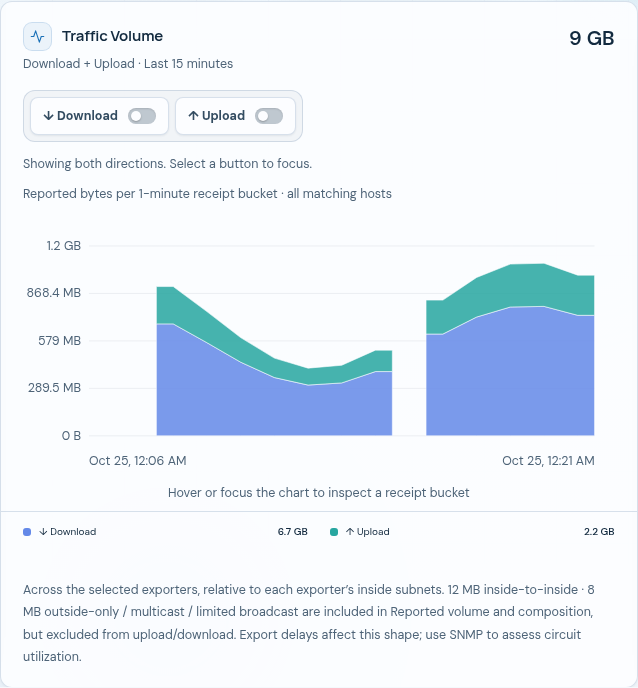
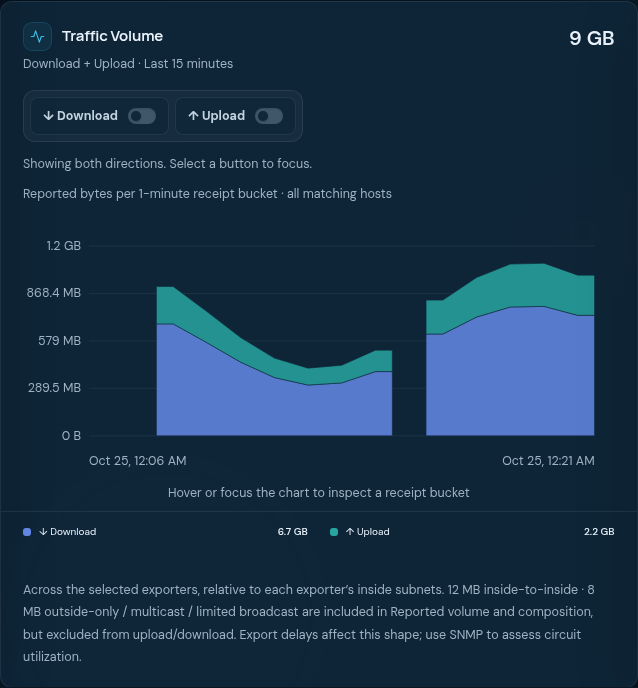
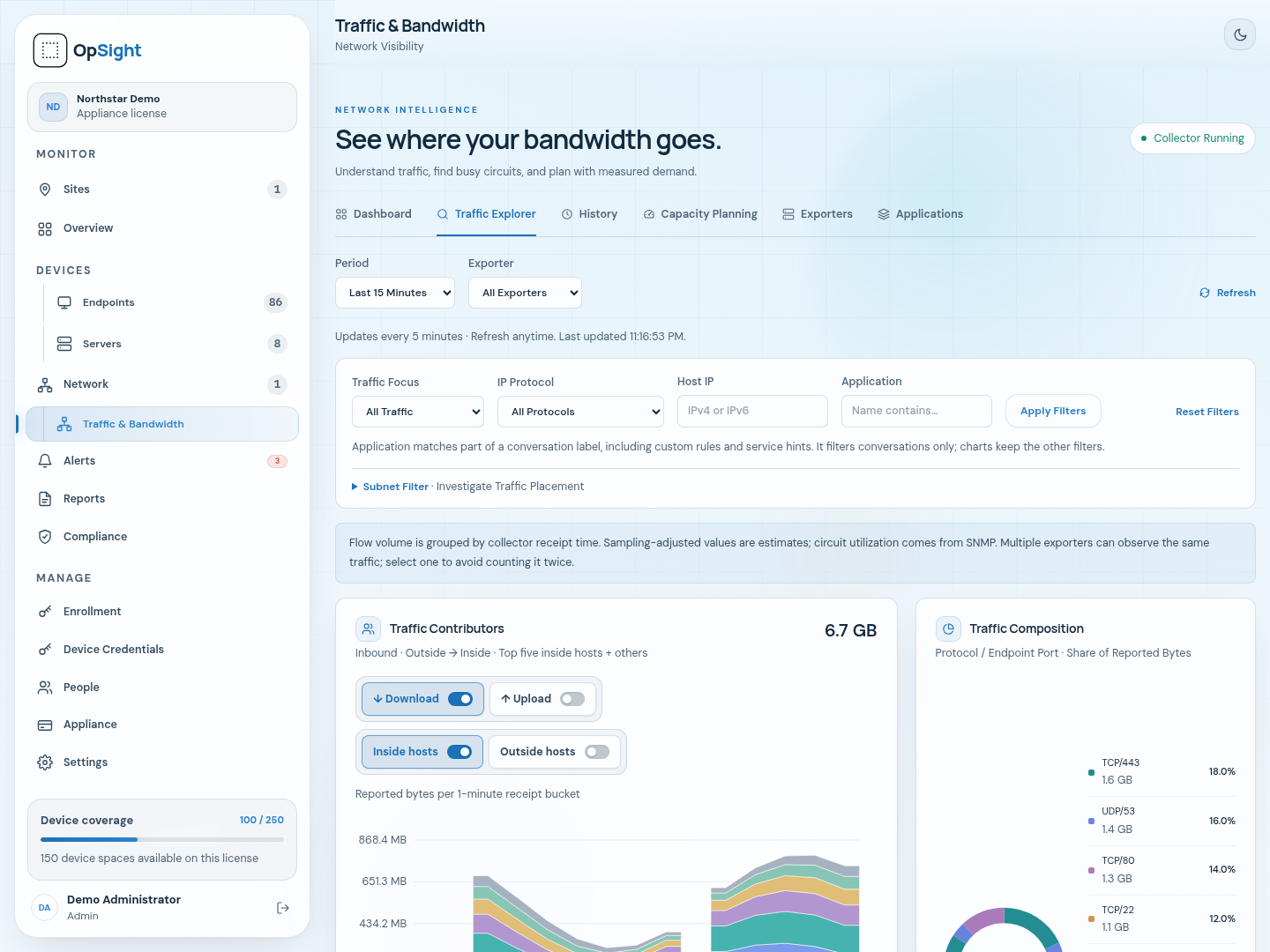
Actual OpSight appliance interface, populated with sample data.
A useful view of your environment
Bring workstations, servers, inventory, alerts, and reported security posture into a clear overview. Inspect device health and pending updates without assembling a report by hand.
See the overview →Separate upload and download, identify top talkers, and inspect protocol/port combinations. Available DNS labels and application hints help put addresses into context.
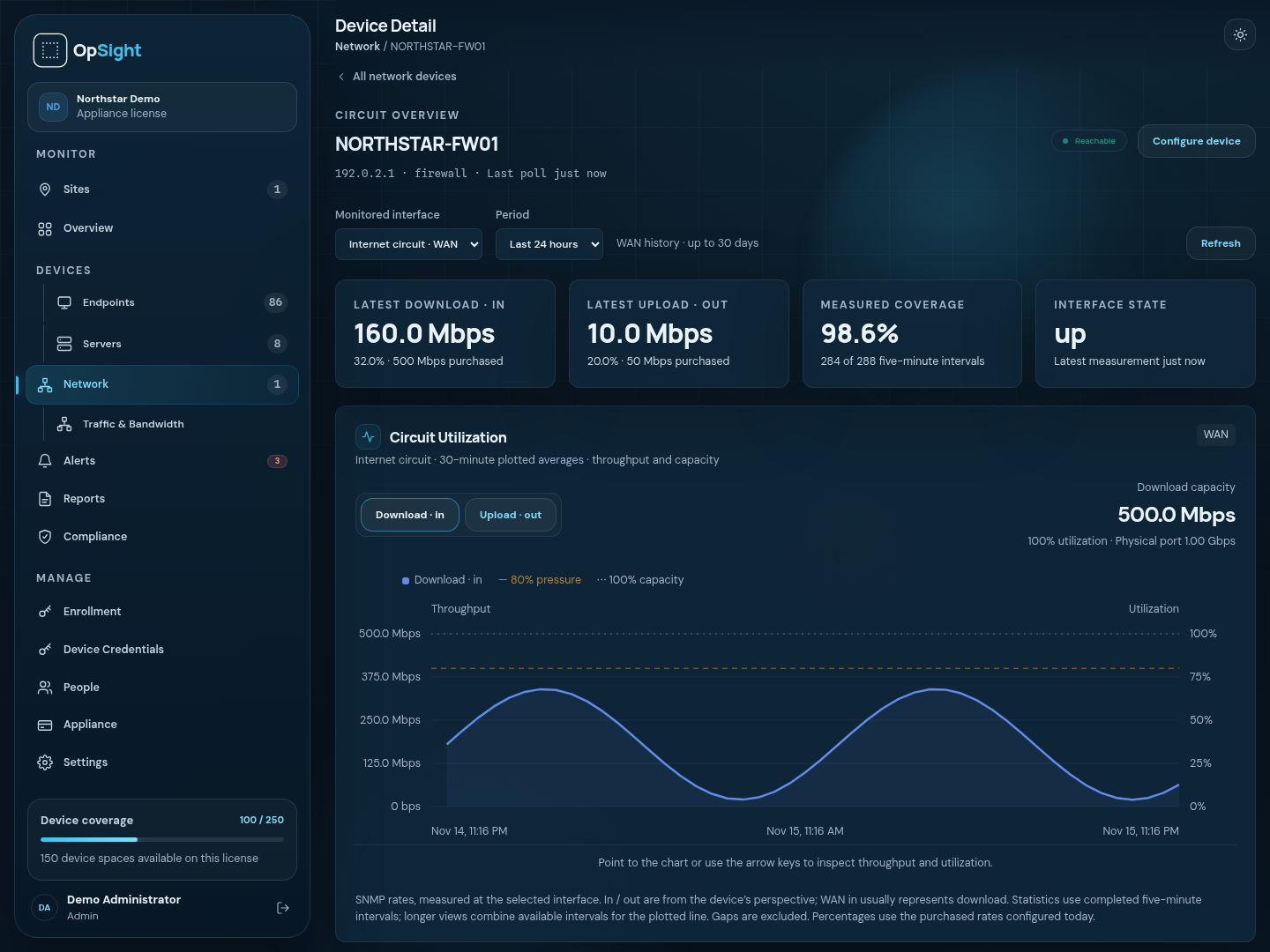
Explore traffic →Compare measured interface demand with purchased circuit speeds. Use historical utilization, P95 demand, and recurring high-use periods to inform an upgrade discussion.
Try capacity planning →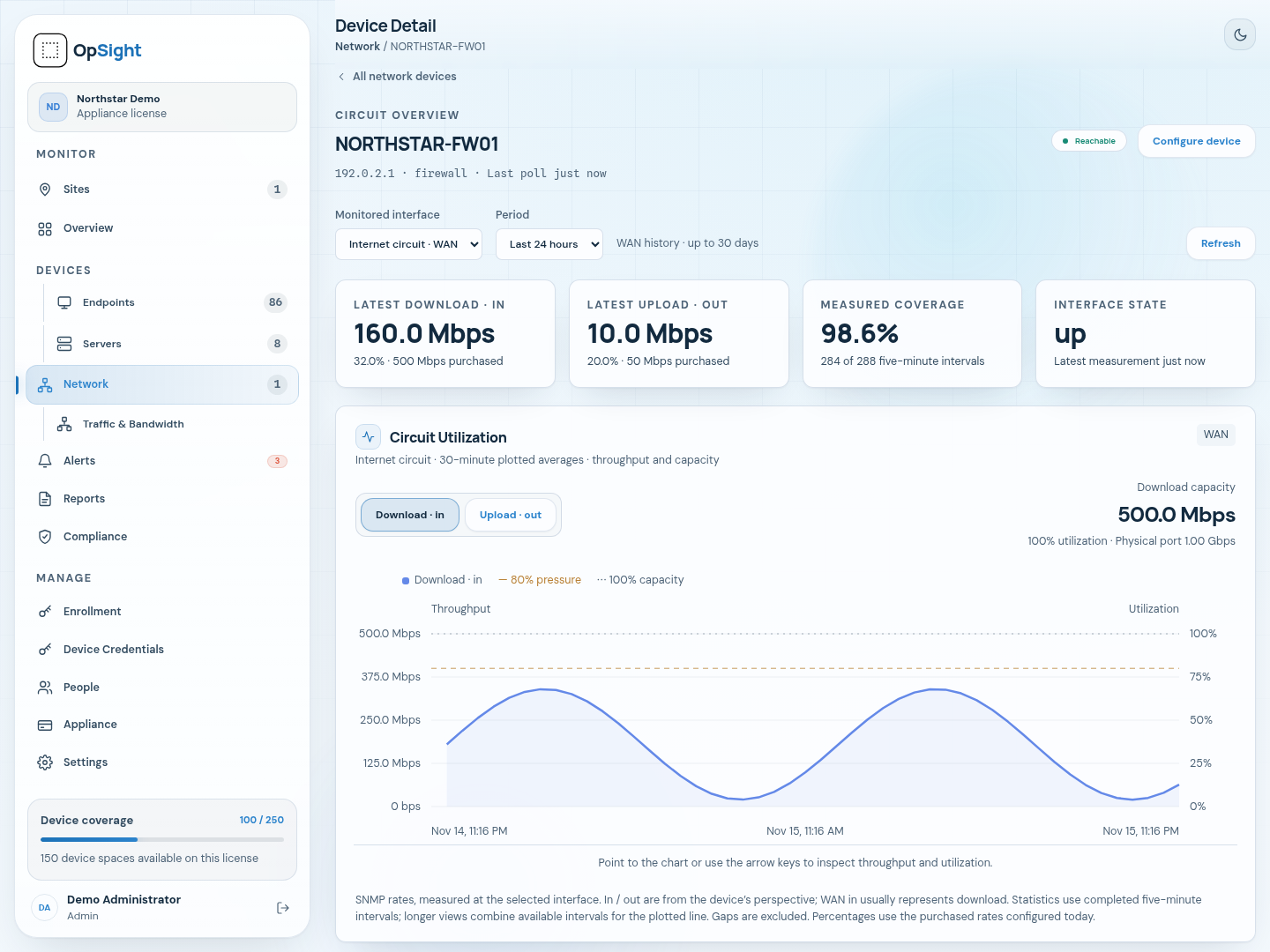

Designed for your environment
Run the web interface, database, and collectors on your infrastructure. You decide who can reach the management interface and how the VM is backed up.
Evaluation starting point: 4 vCPUs, 8 GB RAM, and 100 GB disk. Actual sizing depends on device count, monitored interfaces, flow volume, and retention.
Import the appliance into your virtualization environment and complete first-run setup. Verify your email to download the OVA and receive an activation code. Evaluation activation and periodic license checks require internet access.
Enroll supported endpoints and add network gear using the built-in collector. Configure SNMP monitoring and flow export on compatible equipment.
Review recent conversations and circuit demand. WAN interfaces retain up to 30 days; regular interfaces keep 24 hours. Daily flow trends can extend to 90 days, subject to storage limits.
Evaluate coverage, clarity, and resource use with your own environment before deciding on a production license.
Choose where monitoring runs
| Your decision | Hosted service | Self-hosted appliance |
|---|---|---|
| Where the application runs | MergeWire infrastructure | Your virtual machine |
| Endpoint and network monitoring | Included | Included |
| Traffic & Bandwidth analytics | Not included in the hosted service | Local collection and analysis |
| Infrastructure and backups | Hosted infrastructure managed by MergeWire | Managed by your organization |
| Commercial model | Recurring device subscription | One-time perpetual device-capacity license |
| How to get started | Explore hosted plans | Start free evaluation |
One-time appliance pricing
Each device is priced within its bracket. The calculator shows the one-time license subtotal in USD, before applicable tax.
Workstations, servers, network nodes, and additional remote collectors count. The built-in collector, interfaces, users, and sites do not consume device slots.
| Device positions | Calculation | Subtotal |
|---|---|---|
| 1–100 | 100 × $15 | $1,500 |
| 101–500 | 400 × $10 | $4,000 |
Rates: first 100 at $15 each; next 400 at $10; next 500 at $5; additional devices at $2. Applicable tax is calculated at checkout. Online purchases support up to 1,000 devices; contact us for larger deployments or capacity upgrades. Read purchase and support terms.
Purchasing opens November 1, 2026 at midnight Central.
See it in your environment
Verify your email to download the OVA and receive an activation code automatically. No payment card required. Your evaluation begins when you activate the appliance.
Endpoints, servers, and network nodes share the five-device allowance. The built-in collector is included. Internet access is required for evaluation activation and periodic checks.
Ready to keep it?
Choose your device capacity, verify your email, and pay securely through Stripe. Your perpetual license key appears in your account after payment confirmation. Install it on the same appliance to keep your configuration and monitoring history.
The download portal displays the release, file size, and SHA-256 so you can verify your OVA. Paid licenses work offline. For installation or licensing help, email contact@mergewire.com.
A few useful details
Flow collection, storage, and analysis run on your appliance. Evaluations contact the licensing service for activation and periodic authorization. Monitoring data stays local. Paid perpetual licenses do not require periodic online license checks.
No. Labels combine available flow information, protocol/port hints, DNS information, and optional custom application rules. They are useful context, not proof of an application or visited URL. The appliance does not provide URL filtering.
The current product reports update status. Remote patch deployment is planned separately and is not included as a current capability.
Evaluation access is automatic after email verification. Paid checkout opens November 1, 2026 at midnight Central. After Stripe confirms payment, your account provides a perpetual license key and OVA download access. Review the purchase and support terms before ordering.
No. It is a browser-based demonstration using fictional devices, example addresses, and sample measurements. It collects no monitoring data and makes no changes to a real appliance.